Unplanned
Last Updated:
29 Jan 2026 13:26
by Tony

Tony
Created on:
15 Jan 2026 21:22
Category:
Installer and VS Extensions
Type:
Feature Request
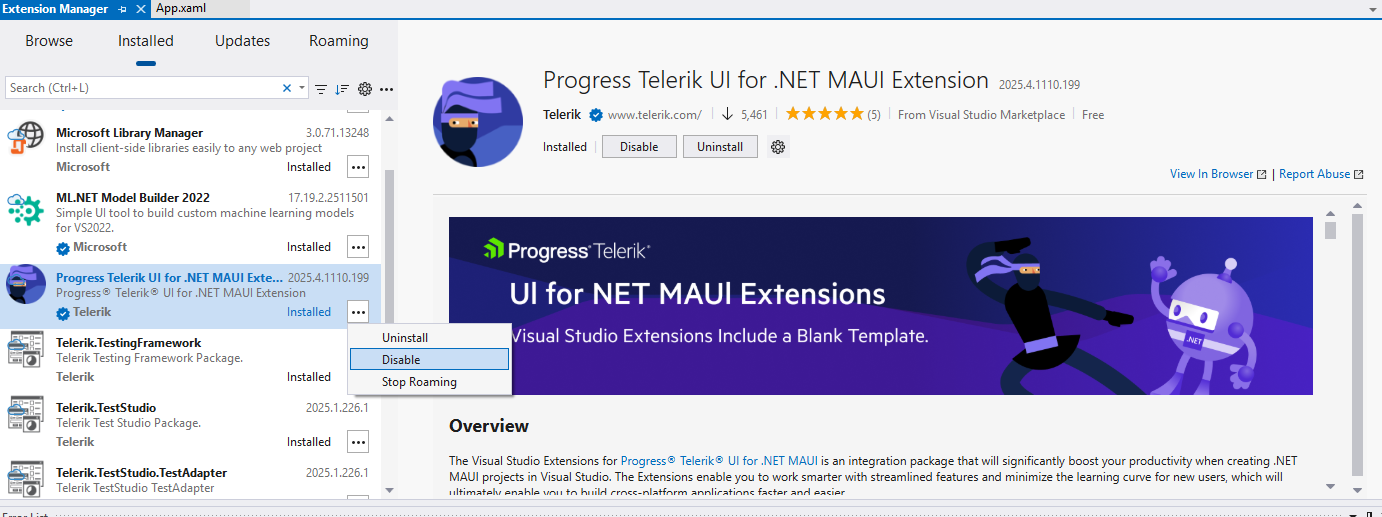
Provide an option to disable the Telerik UI for .NET MAUI toolbox that shows up by default in Visual Studio
It opens every time I open a solution that uses it. And even after I close it, it reappears at times. How do I get rid of it until I want it?
4 comments
Tony
Posted on:
29 Jan 2026 13:26
ADMIN
Misho
Posted on:
29 Jan 2026 07:29
Tony
Posted on:
28 Jan 2026 18:21
ADMIN
Misho
Posted on:
16 Jan 2026 12:22