

The AppointmentTapCommand is not working on Android in DayView and WeekView, only works on MonthView.
When selecting an appoinment in Day/WeekView the Scheduler scrolls to top
To have a real alternative for wpf, the scheduler should support timeline view. Not for the mobile, but for tablet and browser applications.
In my application i have the resources on the left and de timeline on the top. This is neccesary to migrate to MAUI and be later to Uno or whatsoever

Provide screen reader support for scheduler.
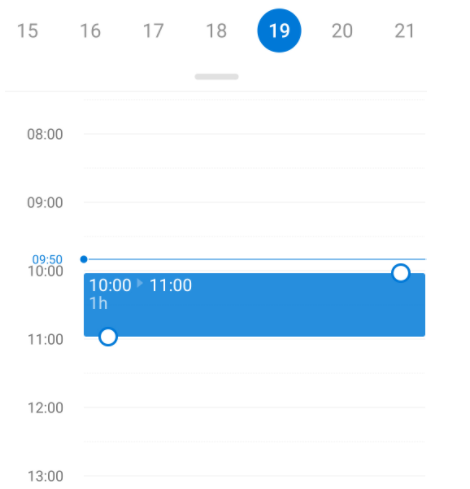
While in DayView (or any other appropriate view), allow changing the start/end time of the appointment when you drag the edges.
Having the following style:
            <Style TargetType="Button" x:Key="TodayButtonStyle">
                <Setter Property="Text" Value="today today" />
                <Setter Property="TextColor" Value="#674BB2" />
                <Setter Property="BackgroundColor" Value="{OnPlatform Default=#66C3B4DF, Android=Transparent, iOS=Transparent}" />
                <Setter Property="BorderWidth" Value="0" />
            </Style>
I cannot change the Today's button text.

If an Appointment Start-Value and End-Value are the same, the Appointment is not being shown in the Day- and in the Week-View