

The TabStrip ActiveTabIdChanged event fires when the user navigates to another page.
The workaround is to detect app navigation and prevent the business logic execution. The example below is for the general case. If the app navigates programmatically with NavigationManager.NavigateTo(), you can set the IsNavigating flag immediately before that.
@implements IDisposable
@inject NavigationManager NavManager

<TelerikTabStrip ActiveTabId="@ActiveTabId"
                 ActiveTabIdChanged="@TabStripActiveTabIdChanged">
    @for (int i = 1; i <= TabCount; i++)
    {
        int tabIndex = i;

        <TabStripTab @key="@tabIndex" Title="@($"Tab {tabIndex}")" Id="@($"tab{tabIndex}")">
            <h2>Tab @tabIndex</h2>
        </TabStripTab>
    }
</TelerikTabStrip>

@code {
    private string ActiveTabId { get; set; } = "tab1";

    private bool IsNavigating { get; set; }

    private const int TabCount = 3;


    private async Task TabStripActiveTabIdChanged(string newActiveTabId)
    {
        if (IsNavigating)
        {
            return;
        }

        ActiveTabId = newActiveTabId;
    }

    protected override async Task OnAfterRenderAsync(bool firstRender)
    {
        if (firstRender)
        {
            locationChangingRegistration = NavManager.RegisterLocationChangingHandler(OnLocationChanging);
        }
    }

    private IDisposable? locationChangingRegistration;

    private ValueTask OnLocationChanging(LocationChangingContext context)
    {
        IsNavigating = true;

        return ValueTask.CompletedTask;
    }

    public void Dispose() => locationChangingRegistration?.Dispose();
}
The window actions OnClick handler does not execute when a predefined action (e.g. Close) is triggered. This prevents custom logic from running during standard close operations.
Reproducible on version 14.0.0
Repro: https://blazorrepl.telerik.com/wqaJcWbu45qZxbeX49
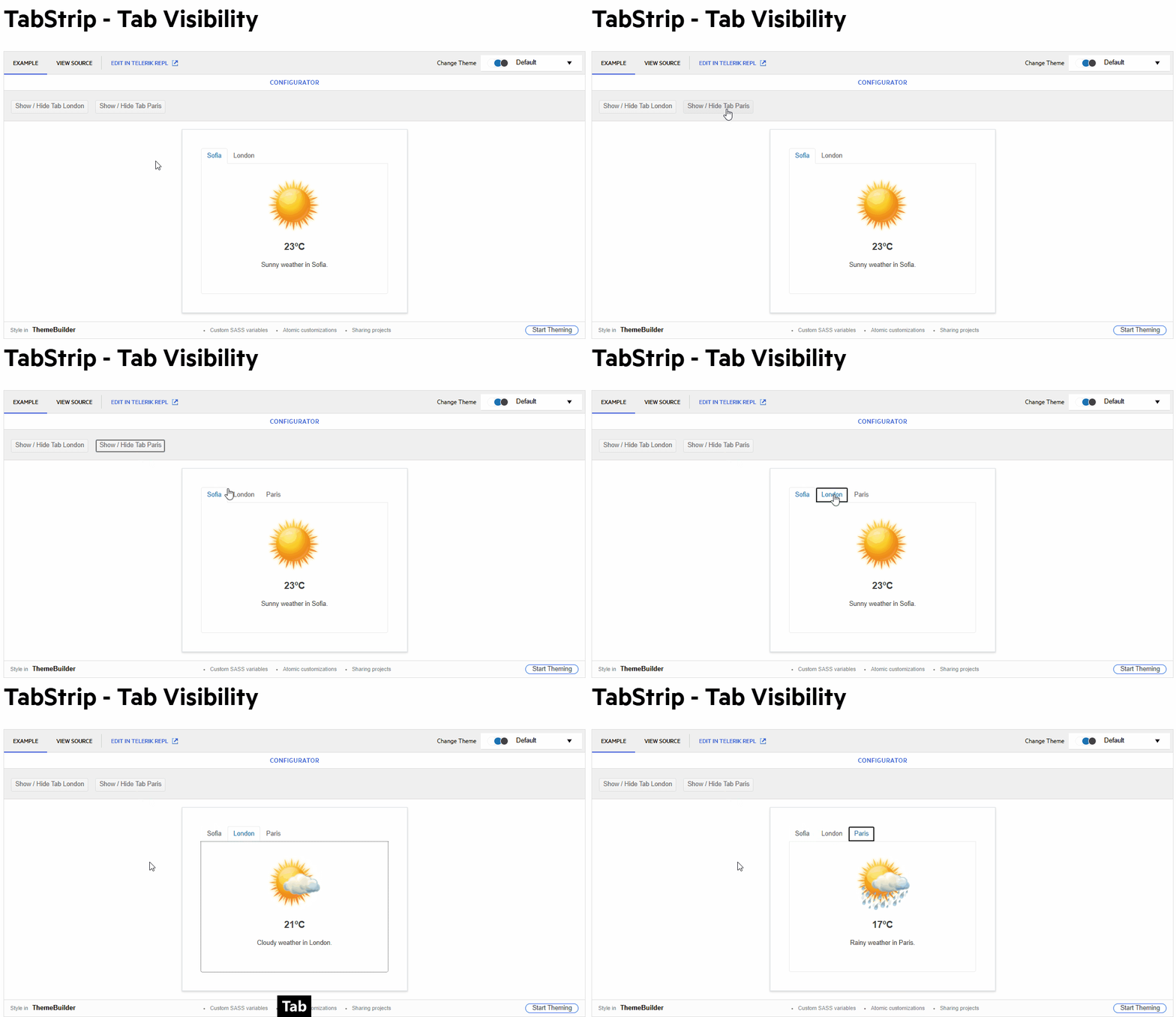
With `PersistTabContent="true"`, when tabs start with `Visible="false"` and later become `Visible="true"`, all visible tab contents are instantiated simultaneously instead of only the active tab.
Reproduction:
@page "/TestPage"

<button @onclick="Load">Load</button>

<TelerikTabStrip PersistTabContent="true">
    <TabStripTab Title="Tab 1" Visible="@_tabsVisible">
        <TestInitComponent Message="Hello from tab1" />
    </TabStripTab>
    <TabStripTab Title="Tab 2" Visible="@_tabsVisible">
        <TestInitComponent Message="Hello from tab2" />
    </TabStripTab>
    <TabStripTab Title="Tab 3" Visible="@_tabsVisible">
        <TestInitComponent Message="Hello from tab3" />
    </TabStripTab>
</TelerikTabStrip>

@code {
    private bool _tabsVisible = false;

    private void Load()
    {
        _tabsVisible = true;
    }
}
TestInitComponent.razor
<h3>TestInitComponent</h3>

@code {

    [Parameter]
    public string Message { get; set; } = string.Empty;

    protected override void OnInitialized()
    {
        base.OnInitialized();
        Console.WriteLine($"TestInitComponent OnInitialized {Message}");
    }
}
Steps: Open page → click Load.
When clicking on a tab to drag it to reorder, it will process the tab change as soon as the tab is clicked to start a drag operation. Preferably, we'd like the tab select action to only happen on a mouseup instead of a mousedown (and cancelled on drag.) This is a reproduction in the REPL: https://blazorrepl.telerik.com/mAayPpGb59GjWvUT47. But it so simple that you probably don't need it. This is the main razor file:
When ActiveTabId is null, the TabStrip selects the first tab automatically, but does not render its content.
<TelerikTabStrip @bind-ActiveTabId="@TabStripActiveTabId">
    <TabStripTab Title="First" Id="t1">
        First tab content.
    </TabStripTab>
    <TabStripTab Title="Second" Id="t2">
        Second tab content.
    </TabStripTab>
    <TabStripTab Title="Third" Id="t3">
        Third tab content.
    </TabStripTab>
</TelerikTabStrip>

@code {
    private string? TabStripActiveTabId { get; set; }
}

- Activating the second tab leads to its header having the focus (correct).
- Using the tab key, the focus changes to the second tabs content (correct).
- Using "Shift + Tab", the focus changes back to the header row, but to the first tab header (incorrect, the second tab header should be focused).
- Using the right arrow key, the focus changes to the third tab header and this tab gets activated (actually correct, but confusing considering the previous point).
The problem is caused by the tab index of the tab headers not being updated properly. The first one seems to have 0 at all times, while all others stay at -1. Instead, the active tab header should have tab index 0, while all others get -1.

This currently happening in both my application, and in some of your demos. If you set the focus to one of the tabs in the tabstrip, and then hit the tab key on the keyboard, it should set focus to the tabstrip content itself. However, in some cases it sets the focus right back to the tab, so you can never navigate off of the tab with the keyboard.
An example of this can be seen in the Overview and Scrollable Tabs demos, but it is working in position and alignment demo. I should also note that if I open the Overview and Scrollable demos in the Repl, it also works. So I'm not sure what is preventing it on the demo pages themselves. Any help would be appreciated, since the same thing is happening in my projects after I upgraded the Telerik controls to v9.x. Here are the demo links that I'm referring to.
https://demos.telerik.com/blazor-ui/tabstrip/overview
https://demos.telerik.com/blazor-ui/tabstrip/scrollable-tabs
We upgraded to the latest Telerik Blazor components (8.1.1).
I think there's a bug in the TabStrip when setting the index of the ActiveTabIndex or @bind-ActiveTabIndex.
The page will scroll to the active tab automatically.
Here's a link to the Repl - https://blazorrepl.telerik.com/GfaTEmbR45zQSzEq44
If you remove @bind-ActiveTabIndex="@ActiveTabIndex" from the TelerikTabStrip then the page load normally.
Thanks,
Cesar
To deactivate all tabs I have to set the ActiveTabIndex parameter to -1.
This was working up to version 4.6.0. After that version I start getting an error:
System.ArgumentOutOfRangeException: Index was out of range. Must be non-negative and less than the size of the collection. (Parameter 'index')
Here is an example with 4.6.0 where it is working:
https://blazorrepl.telerik.com/QSPuvKvI06m6AhF929
Here is an example with the current version:
https://blazorrepl.telerik.com/mIvOlqlI062NR9Vi59
One can generally loop through a collection of items to create several TabStrip instances as shown in the Tabs Collection article.
However, when I am dynamically adding or removing tabs I am hitting a variety of problems targeting:
- The active tab is not correctly set;
- The focus is not always set on the active tab;
- Upon adding/removing a tab, all tabs are re-created and thus their content cannot be persisted;
Please add support for dynamic tabs.

Reproduction: https://blazorrepl.telerik.com/QHFuExbc57Wq6HVG28.
Description
When the user selects an empty tab and then switches to another tab, the empty tab remains highlighted (appears as if it's still selected).
Reproduction
Reproduction: https://blazorrepl.telerik.com/mRkVczaV02S9QkmJ28
Steps:
1. Select the second tab (which has no content).
2. Select the first tab.
Both tabs are highlighted as selected.

Here is a REPL test page. If the user navigates forwards and backwards via the Wizard buttons, the TreeView checkboxes persist their state. If the user navigates via the Stepper, the checkbox state is not retained.
The issue is triggered by the TabStrip.
A possible workaround is to prevent Stepper clicks with CSS:
.k-tabstrip .k-wizard .k-stepper .k-step {
  pointer-events: none;
}
Accessibility issue for TelerikTabStrip (3.6.0)
Issue is found in the attached png file.
<TelerikTabStrip TabPosition="@TabPosition.Top">
<TabStripTab Title="Handoff">
<VideoHandoff></VideoHandoff>
</TabStripTab>
<TabStripTab Title="Handoff Status">
<VideoHandoffStatus></VideoHandoffStatus>
</TabStripTab>
</TelerikTabStrip>
I am using the Telerik TabStrip and am trying to make the tabs scrollable while also showing additional tabs once a button is pressed.
When the additional tabs are shown, the tabs are not scrollable. Notice that when you toggle the visibility of the tabs, the new tabs being shown do not make the tab list scrollable.
=====ADMIN EDIT=====
Here is a possible workaround for the time being - REPL link.
The TabStrip throws ArgumentOutOfRangeException if the first tab is not Visible.
<TelerikTabStrip>
    <TabStripTab Title="A" Visible="false">
        Tab A
    </TabStripTab>

    <TabStripTab Title="B" Visible="true">
        Tab B
    </TabStripTab>

    <TabStripTab Title="C" Visible="true">
        Tab C
    </TabStripTab>
</TelerikTabStrip>
See attached screen shot.
Sample code:
<TelerikTabStrip>
<TabStripTab Title="Tab 0" Visible="true">
content 0
</TabStripTab>
<TabStripTab Title="Tab 1" Visible="false">
content 1
</TabStripTab>
<TabStripTab Title="Tab 2" Visible="true">
content 2
</TabStripTab>
<TabStripTab Title="Tab 3" Visible="true">
content 3
</TabStripTab>
</TelerikTabStrip>