It would be nice to have the ability to search text in documents.

Use case:
I needed to replace some keywords with images. I can insert image at the current position, but there is no way to insert it after some text.
The DataBinding property tells the editor to show the linked content instead of the actual runs in the content control.
Duplicated with WordsProcessing: Add support for content control values that use data binding.

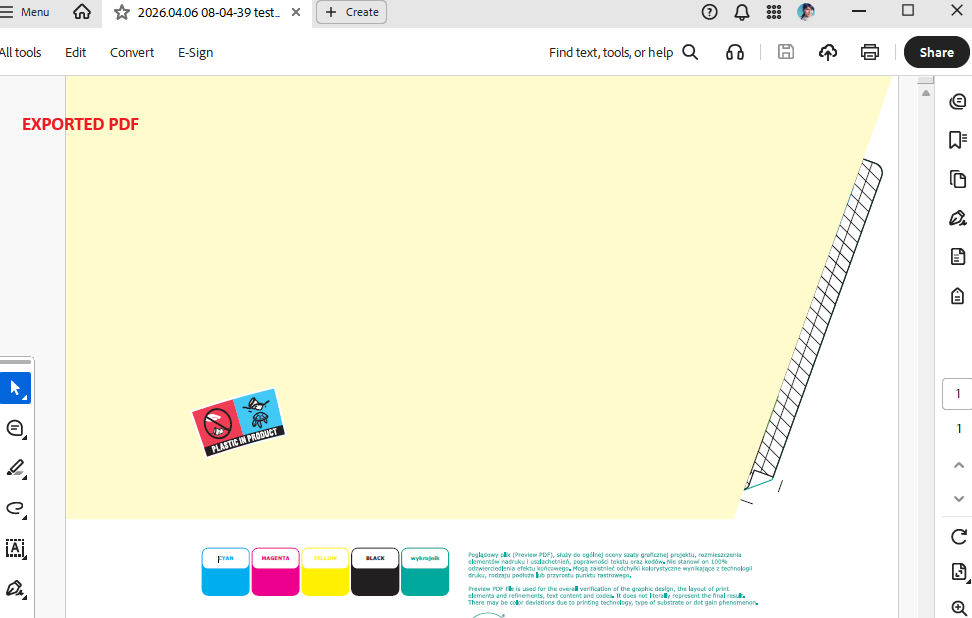

When using Telerik Document Processing (PdfProcessing) for embedding Factur-X invoices, the produced PDF document is Non‑compliant with PDF-AF / Factur‑X according to the following validator:
https://www.superpdp.tech/outils/validateur-facture-electronique/
Such a document can be considered invalid. However, it would be good to provide functionality to handle it.
Update: After reviewing the case, we concluded that the issue is caused by the document being linearized. Therefore, this item is being marked as a duplicate. Please follow the related public item to receive notifications about future status updates.
Hello support team,
We faced an exception that ShadingType 1 is not supported. Can you please confirm that this is expected?
Regards,
Vitalii
Registering the font used to be enough for resolving the font's characters in .NET Standard
			byte[] fontData = File.ReadAllBytes(".\\files\\cour.ttf");
			FontFamily courierNewFont = new FontFamily("Courier New");
			FontsRepository.RegisterFont(courierNewFont, FontStyles.Normal, FontWeights.Normal, fontData);
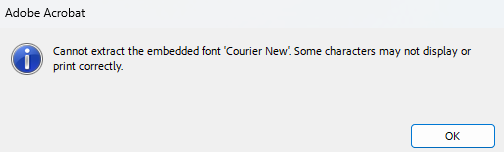
However, as of version 2024.2.426 registering the font doesn't produce the correct result anymore and the text got missing in the PDF fields. When the document is opened in Adobe, the following message appears:
The FontsProvider works in both versions (before and after 2024.2.426). It is also required to iterate all widgets and apply the font explicitly to the widget.TextProperties.Font property.
Here are the steps:
1. Copy some basic content from Excel (two text cells)
2. Paste the content to the Telerik Blazor Spreadsheet component and save the XLSX file
3. Try importing this file with RadSpreadProcessing
Hi, we are facing the below error when trying to convert a Docx file type to PDF type using RadFlowDocument in C# (.NET core 6.0). Please can you help with this issue as soon as possible?
Error message: "Negative height, if converting in Net Standard try registering a smaller font (Parameter 'height: -17.908799999999985')"
C# code snippet for reference:
BinaryFormatProviderBase<RadFlowDocument> provider;
RadFlowDocument document;
using (var output = new MemoryStream())
{
provider.Export(document, output)
}
trying to open the attached workbook with this code:
Telerik.Windows.Documents.Spreadsheet.Model.Workbook workbook;
using (Stream input = File.OpenRead("sample.xlsx"))
{
var provider = new Telerik.Windows.Documents.Spreadsheet.FormatProviders.OpenXml.Xlsx.XlsxFormatProvider();
// The import method enables you to also pass a byte[] with the XLSX document data
workbook = provider.Import(input, TimeSpan.FromSeconds(30));
}
I get an unhandled exception:
An unhandled exception of type 'System.ArgumentNullException' occurred in Telerik.Documents.Spreadsheet.dll
Value cannot be null.
Any idea what's going on?
Thank you for your time,
Phil
when parsing a specific document.
Hi Telerik,
Could you add abbility to contact TSA (timestamp) server and sign PDF document with certificate (which is currently supported) and signed timestamp?
Thank you

This would allow repeating header rows on every printed page. More information related to this functionality may be found on the following link:

https://support.office.com/en-us/article/Print-rows-with-column-headers-on-top-of-every-page-d3550133-f6a1-4c72-ad70-5309a2e8fe8c

Guidelines of how to provide a custom implementation of the JPXDecode filter can be found in the Customize Rendering section of the documentation and a sample implementation can be found in the SDK examples.
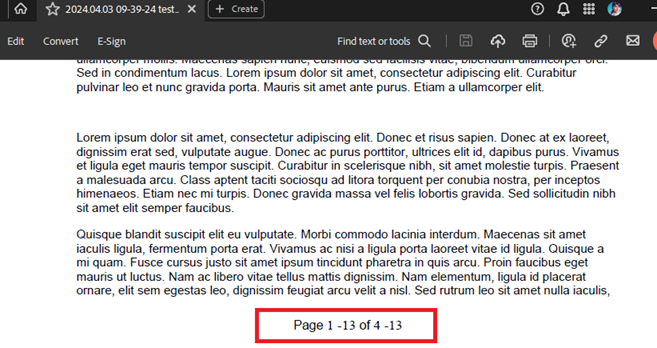
Converting some DocX files to PDF format with page numbering leads to incorrect formatting in the exported PDF:
Input DocX:
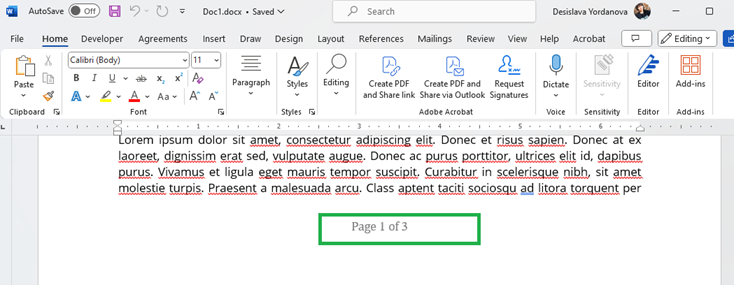
Output PDF: