

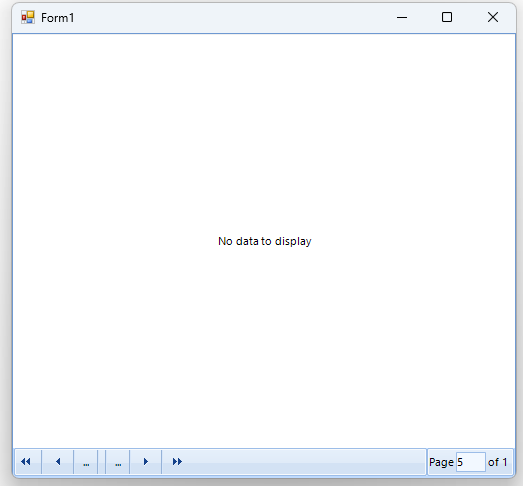
In the following scenario, we have enabled the pager functionality of the control. If we move to a different page and then set the DataSource to Null, the page index will not be reset.

The search functionality is inconsistent in Unbound Mode. Typing a word highlights all rows that contain that word or string, as expected. However, if the cursor is moved and additional characters are typed at the beginning of the search box, no results are returned, even if matching rows exist that contain the updated string combination.
The same behavior is not observed in bound mode.

On the second opening, it corrects:

The reported behavior is observed in VisualStudio2022Light (or dark), VisualStudio2012, Office2013, Windows11.
When the BestFitColumns() method is used, the column width will be calculated to fit the content. In a scenario where the content is the longest one in the column, it will be next to the left and right side cell borders. When such a cell is selected and marked as a current cell, the current cell border will be applied, which will shrink the space for the content, and ellipses will appear.
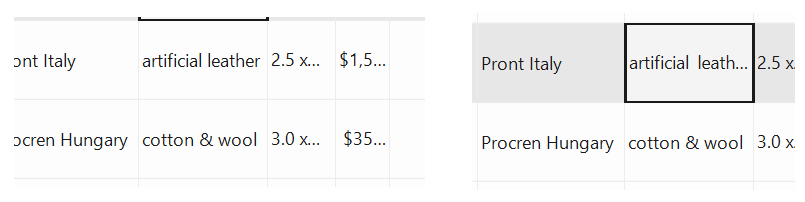
The BestFitColumns() method needs to take into account the current cell border width in different themes.
