

Good morning,
currently the compatible JQuery versions are only listed in this article: https://docs.telerik.com/kendo-ui/intro/supporting/jquery-support.
Most of the time also with great delay (as of today: 3 versions behind)
Would it be possible to include the compatible versions directly into the Release Notes of new versions?
This way we can safely upgrade JQuery along with new Kendo UI Releases.
I created a forum post and it was suggested that I create a feature request for improved Kendo Grid keyboard accessibility when the grid contains locked columns and/or clickable elements such as buttons, links, and input boxes. I noted the following issues that I feel should be supported without having to write a bunch of workarounds or create a poor user experience for regular (mouse and keyboard) users.
This is an urgent concern because many of our clients are requiring our site to meet accessibility standards and with the heavy use of Kendo grids in their current state, it does not seem to.
I have a grid with 2 locked columns with a button in the first column and a hyperlink in the second column, the other columns just have text. I set navigatable to true. None of my fields are editable.
Here is a dojo: https://dojo.telerik.com/KUcMekCh
When the user tabs to the grid, they first get the search bar in my custom grid toolbar. Next they tab to the button (which happens to be a bootstrap dropdown menu but I don't think that is relevant). Here is where the issues start:
- They then hit tab again and sometimes are taken to the hyberlink while other times they are taken to the next row, skipping column 2's hyperlink.
- The grid does not always enter Kendo's navigation mode. When it doesn't, there is no way for the user to interact with the column header which has the sort and tooltip buttons in it.
- When they get to the bottom of the grid, the locked side will scroll vertically but the unlocked side remains in place, causing the rows to be misaligned.
- When an input cell is in the unlocked portion of the table, the user has to tab through the entire list before getting back to editing the input for a row. This isn't logical.
- I worry that if there were editable cells, which some of my grids have, the user won't be able to tab to the next editable cell and instead will be forced to navigate through every cell. I don't want to make it more difficult for a normal user in order to accommodate a keyboard only user so there needs to be a way for both to work well.
- Often the focus ends up on the unlocked table which attempts to put a blue outline around that, however, the outline isn't fully visible since that is inside of a scrollable div.
- You can click into a cell with navigatable set to true and then use the navigation but that doesn't work for a keyboard only user.
- When navigatable is not turned on, the user cannot scroll vertically if they tab to the table.

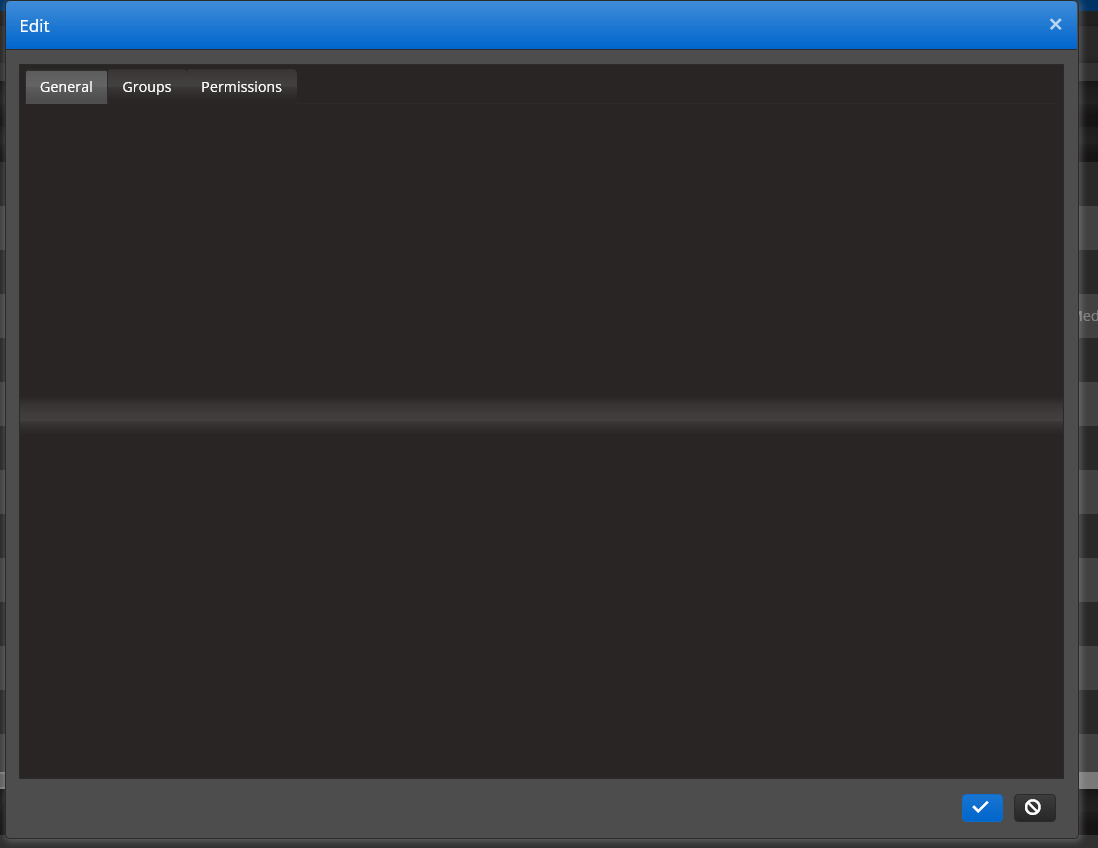
Apparently the dark theme we are using adds the glass.png to tabs. Great. Looks good. However it also seems to be applying to the area inside the tab as well.
It's a little hard to see on most of our popups with tabs but it's visible through gaps in the controls. I have removed the top layer in this image so you can see it. Underneath is the html for one of the pages affected so you can see we aren't setting them up incorrectly. This is the kendo black theme.
@using DispatchCrude.Models;
@model OriginEditModel

@* NOTE: This script section must be at the top of the page for the pop-up to function properly. It cannot be moved to the bottom of the page. *@
<div>
    @Html.HiddenFor(x => x.ID)
    <ul class="gridErrors NullValidator"></ul>
    @(Html.Kendo().TabStrip()
        .Name("tabstrip")
        .Items(tabstrip =>
        {
            tabstrip.Add().Text("General").Selected(true).Content(@<text>
                <div class="popup-editor-container">
                    <div class="popup-editor-column-sm">
                        <div class="popup-editor-label">
                            @Html.LabelFor(model => model.TimeZoneID).IsRequired()
                        </div>
                        <div class="popup-editor-field">
                            @Html.EditorFor(model => model.TimeZoneID, new { htmlAttributes = new { style = "width:120px; height:30px;" } })
                        </div>
                    </div>
                    <div class="popup-editor-column-sm">
                        <div class="popup-editor-label">
                            @Html.LabelFor(model => model.RegionID).IsRequired()
                        </div>
                        <div class="popup-editor-field">
                            @Html.EditorFor(model => model.RegionID)
                        </div>

                        <script>
                            function filterDestination() {
                                var dataItem = getGridEditRowModel();
                                let shipperIds = (dataItem.Products != null) ? dataItem.Products.map(x => x.ID).join(',') : -1;
                                let productIds = (dataItem.Shippers != null) ? dataItem.Shippers.map(x => x.ID).join(',') : -1;

                                return {
                                    "regionid": dataItem.RegionID || -1,
                                    "terminalid": dataItem.TerminalID || -1,
                                    "productids": (shipperIds != '') ? shipperIds : '-1',
                                    "shipperids": (productIds != '') ? productIds : '-1'
                                }
                            }
                        </script>
                        <div class="popup-editor-field">
                            @Html.EditorFor(model => model.PreferredDestinationID, new { table = "GetPreferredDestinations", controller = "origins", filter = "filterDestination()" })
                        </div>

                    </div>
                </div>
                </text>);
            tabstrip.Add().Text("Oil Field").Content(@<text>
                <div class="popup-editor-container">
                    <div class="popup-editor-column-sm">

                        <div class="popup-editor-label">
                            @Html.LabelFor(model => model.LeaseName).IsRequired()
                        </div>
                        <div class="popup-editor-field">
                            @Html.EditorFor(model => model.LeaseName)
                        </div>
                        <div class="popup-editor-label">
                            @Html.LabelFor(model => model.LegalDescription)
                        </div>
                        <div class="popup-editor-field">
                            @Html.EditorFor(model => model.LegalDescription)
                        </div>

                    </div>
                </div>
                </text>);
            tabstrip.Add().Text("GPS").Content(@<text>
                <div>
                    <div class="popup-editor-column-lg">
                        <div class="popup-editor-label">
                            @Html.LabelFor(model => model.GeoFenceRadiusMeters)
                        </div>
                        <div class="popup-editor-field">
                            @Html.EditorFor(model => model.GeoFenceRadiusMeters, new { htmlAttributes = new { style = "" } })
                        </div>
                    </div>
                </div>
                </text>);
        })
    )
</div>
<script>
    $("#RegionID,#TerminalID").on("change", function () { refreshDestinations(); });
</script>