

Bug report
When a table is created through the table wizard and cellspacing is set to 0, this value is ignored and the table is created with no cellspacing value. 0 is a valid value and it affects the appearance of the table, so it should not be equivalent to not setting cellspacing.
Reproduction of the problem
Reproducible in the demos.
- Use the table wizard.
- Set 0 as cellspacing value.
- Create the table.
- Inspect the table in the browser's dev tools.
Current behavior
The table has no cellspacing attribute.
Expected/desired behavior
The table has cellspacing set to 0.
Environment
- Kendo UI version: 2020.2.617
- jQuery version: x.y
- Browser: [all ]
Hello,
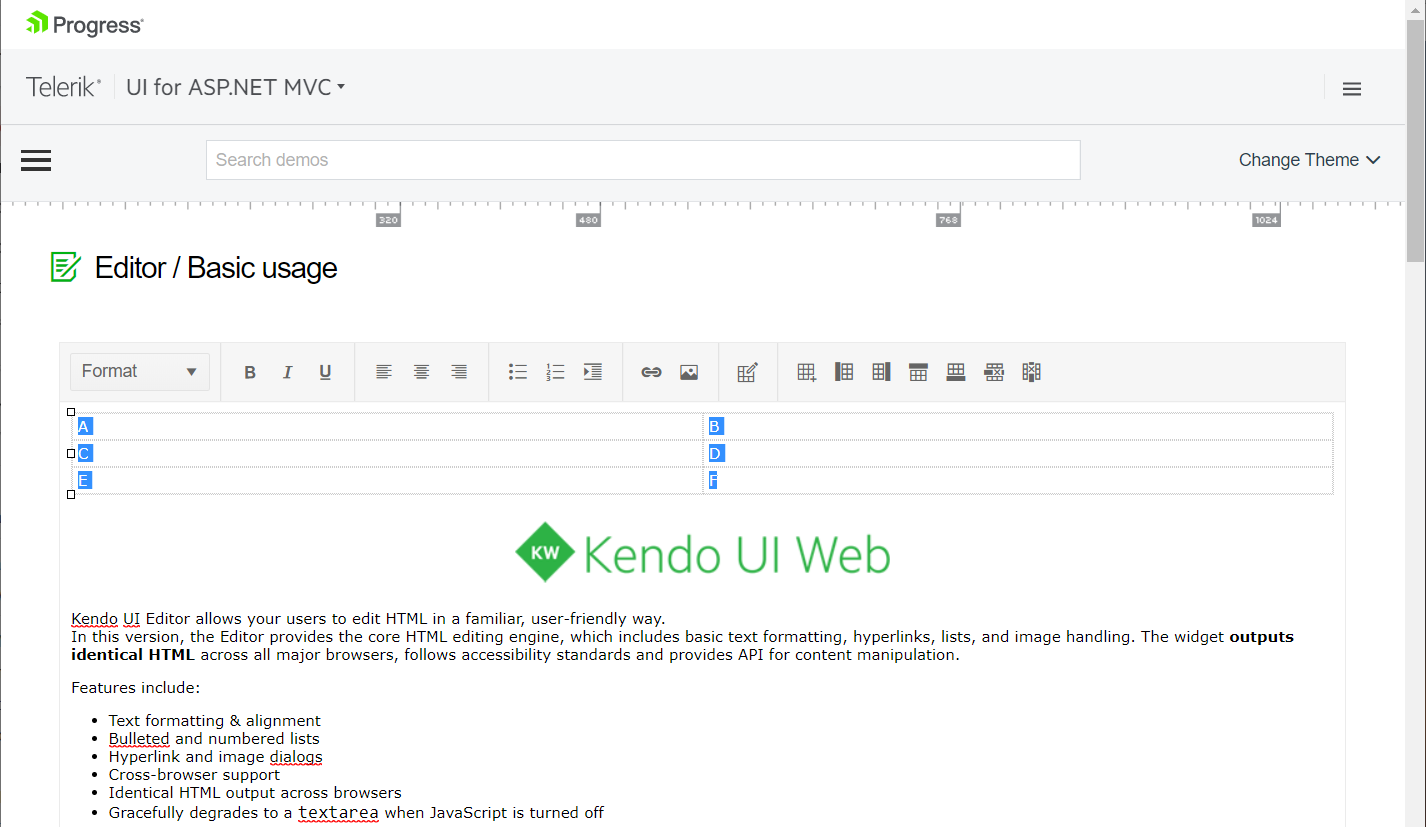
On MAC, command+c cut instead of copy when selected texts are in a table. To duplicate, please follow these steps.
1. Go here: https://demos.telerik.com/aspnet-mvc/editor
2. Insert a new table.
3. Add some text into the table.
4. Select texts in the table.
5. Press command+c on MAC.
Please advise.
Thank you.

Bug report
Reproduction of the problem
Dojo example.
- Open the dev tools console.
- Click on the button above the Editor.
- The Editor value is logged in the console.
Note this part in the content:
if (value == 1) { text += "<h2>Apple</h2>Lorem ipsum dolor sit amet, consectetur adipiscing elit, sed do eiusmod tempor incididunt ut labore et dolore magna aliqua. Ut enim ad minim veniam, quis nostrud exercitation ullamco laboris nisi ut aliquip ex ea commodo consequat. Duis aute irure dolor in reprehenderit in voluptate velit esse cillum dolore eu fugiat nulla pariatur. Excepteur sint occaecat cupidatat non proident, sunt in culpa qui officia deserunt mollit anim id est laborum.<br><br>>> APPLE Deutschland</a>";
- Click on the "viewHtml" tool. In the popup do not make any changes to the content, just click on "Update".
- Click on the button above the Editor.
The mentioned part of the script tag now looks like this:
if (value == 1) { text += "<h2>Apple</h2>
Lorem ipsum dolor sit amet, consectetur adipiscing elit, sed do eiusmod tempor incididunt ut labore et dolore magna aliqua. Ut enim ad minim veniam, quis nostrud exercitation ullamco laboris nisi ut aliquip ex ea commodo consequat. Duis aute irure dolor in reprehenderit in voluptate velit esse cillum dolore eu fugiat nulla pariatur. Excepteur sint occaecat cupidatat non proident, sunt in culpa qui officia deserunt mollit anim id est laborum.<br><br>>> APPLE Deutschland</a>";
A js exception is thrown after this content is loaded in the div below the Editor, because of the line break after:
if (value == 1) { text += "<h2>Apple</h2>
Current behavior
The viewHtml modifies the content of script tags, which causes js logic to become invalid.
Expected/desired behavior
The viewHtml tool should not make changes to the content of script tags.
Environment
- Kendo UI version: 2020.3.1021
- jQuery version: x.y
- Browser: [all]

Hi Support,
In the kendo editor html format differs from the browser. please find below screenshot, dojo link and html file imported to editor.
When html file imported to editor there is no space in between the lines.
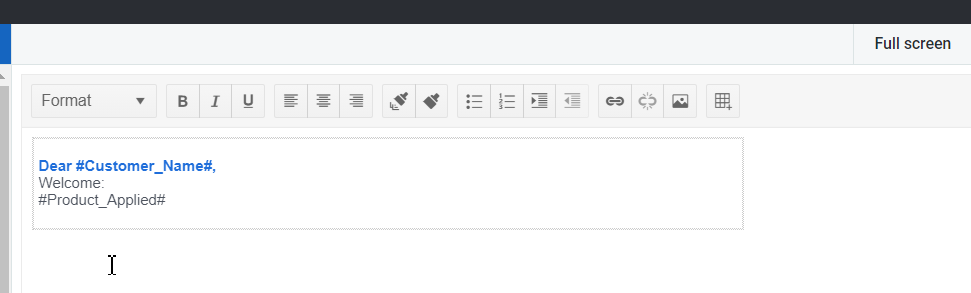
Same html file opened in chrome browser, then proper spacing can be visible.

Please help to fix the issue asap.
Regards,
Jyotika

Hi,
I noticed in the editor that when you click the "View HTML" button, the popup window isn't sized properly and you must scroll down to see the Update and Cancel buttons.
It can be seen on your demo page...
https://demos.telerik.com/aspnet-mvc/editor/all-tools
Thanks
Bug report
The tables within the Editor are not exported correctly (do not fit in the exported pdf document) when resized before exporting.
Reproduction of the problem
- Open the following demo.
https://demos.telerik.com/kendo-ui/editor/pdf-export - Resize the column of the table.
- Export to PDF.
Current behavior
The table does not fit in the exported document.
Expected/desired behavior
The table should fit in the document.
Environment
- Kendo UI version: 2022.2.510
- Browser: [all]