Completed
Last Updated:
21 May 2025 07:52
by ADMIN
Release 2025.2.521 (2025 Q2)

Created by:
Stenly
Comments:
0
Category:
MultiColumnComboBox
Type:
Bug Report
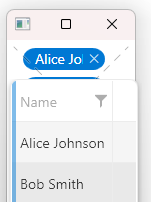
When using the Xaml version of our assemblies and the Material theme is set through the StyleManager, the glyph on the close button of each SearchAutoCompleteBoxItem element is not visible.
Completed
Last Updated:
12 Aug 2025 10:30
by ADMIN
Release 2025.3.812 (2025 Q3)

Created by:
Martin Ivanov
Comments:
0
Category:
MultiColumnComboBox
Type:
Bug Report
The cell highlighting doesn't work if the ItemsSourceProvider.ItemsSource is set at runtime, while the drop down is open. The filtering of the items works, but the cell content is not colored.
To work this around, make sure to set the ItemsSource before the drop down gets opened.
Unplanned
Last Updated:
17 Apr 2026 06:33
by ADMIN
Created by:
n/a
Comments:
1
Category:
MultiColumnComboBox
Type:
Bug Report
Unplanned
Last Updated:
22 Oct 2026 10:27
by ADMIN
Created by:
Markus Skauvik
Comments:
1
Category:
MultiColumnComboBox
Type:
Bug Report
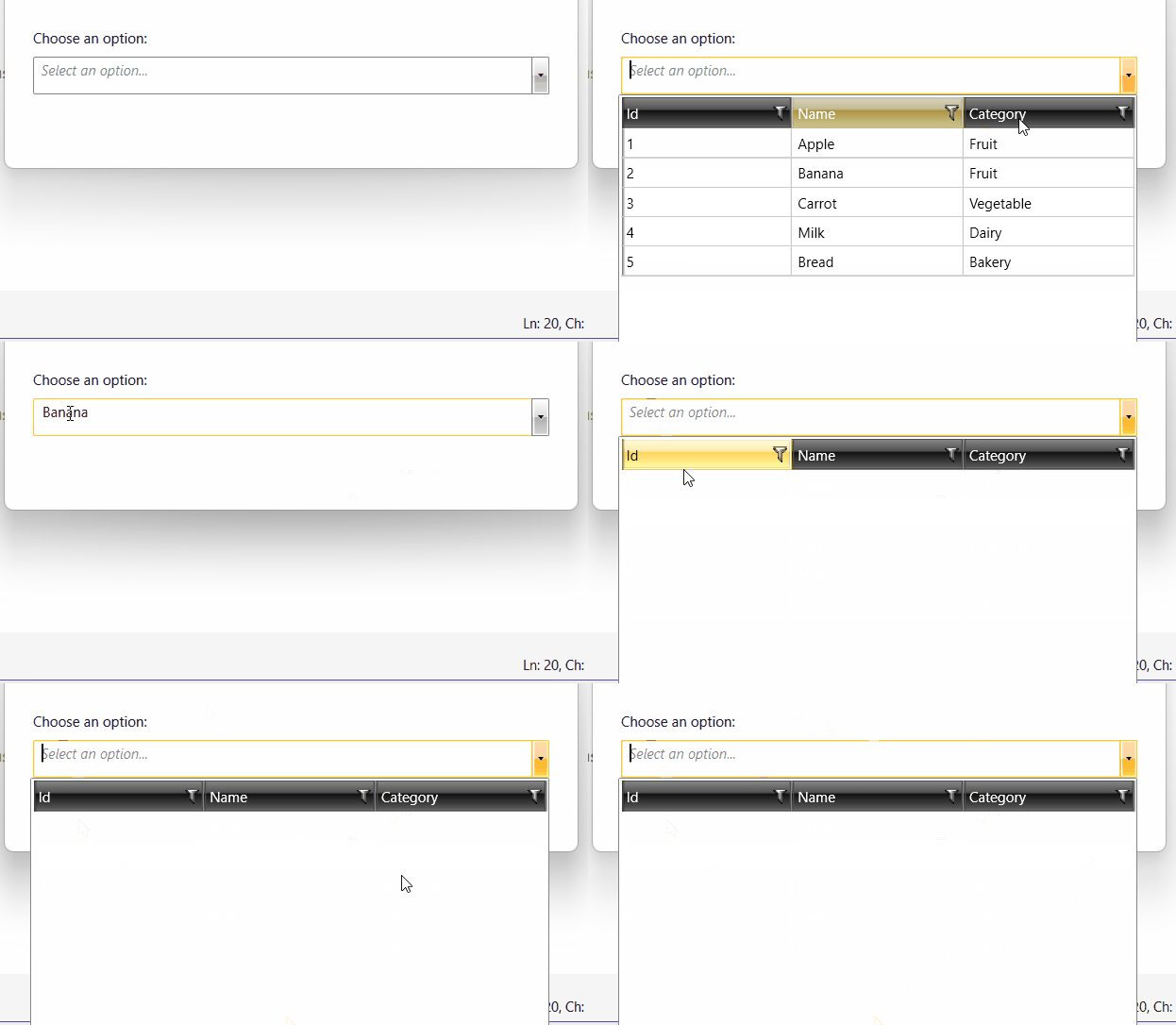
The filter is not updated when the DeferTextChange property is set to True. The properties set to the control:
<telerik:RadMultiColumnComboBox x:Name="OptionsComboBox"
                                DisplayMemberPath="Name"
                                NullText="Select an option..."
                                CloseDropDownAfterSelectionInput="True"
                                DropDownWidth="440" DropDownHeight="220"
                                Height="32"
                                SelectionBoxesVisibility="Collapsed"
                                AutoCompleteMode="SuggestAppend"
                                ClearSelectionOnDeleteOrBackKey="True"
                                DeferTextChange="True">
. . . . . 1. Select Banana from the dropdown. It should appear as editable text without the little × button.
2. Reopen the dropdown, so we can se it
3. Click in the middle of banana in the textbox(not the dropdown), then Ctrl+A and type zz.
4. Wait a second, then Ctrl+A, Backspace.