We need to group the scheduler by date before it is grouped by resource. This doesn't seem possible in the Kendo UI for Angular Scheduler component.
Our customers find the grouping by resource and then by date not workable in a real-life situation.
Group by date feature in jQuery Scheduler:
https://demos.telerik.com/kendo-ui/scheduler/date-grouping

Currently, the Scheduler seems to be splitting out overnight shifts, sometimes across two separate weeks in the Agenda view.
Also, my end times are shown as 00:00. Both of these are a problem because we need to show overnight shifts as a single shift, and we need to show the end time along with the start time.
Hi there,
Currently the scheduler lacks built in capabilities to handle holidays or, disabling arbitrary days.
The idea is to provide an array of holidays (date and title for example) and have the scheduler automatically disable this dates and properly highlight them in all views so the user is aware he/she can't create events in those.

In the jQuery Scheduler, the event template was also used for the drag hint. This allowed me to change the appearance of the drag hint according to the drag hint's position.
In the Angular Scheduler, the drag hint seems to show a static transparent copy of the event being dragged.
It will be really useful to have the drag-hint use the event template and also provide a boolean stating whether the event using the template is a drag hint.
Here's an example:
<ng-template kendoSchedulerEventTemplate let-event="event.dataItem" let-resources="resources" let-dragHint="isDragHint">
    <div [style.background-color]="calculateBackground(event, resources)" *ngIf="!dragHint; else: dragHintTemplate">>
        Regular Event
    </div>

    <ng-template #dragHintTemplate>
        <div [style.background-color]="calculateBackground(event, resources)">
            Drag Hint
        </div>
    </ng-template>
</ng-template>
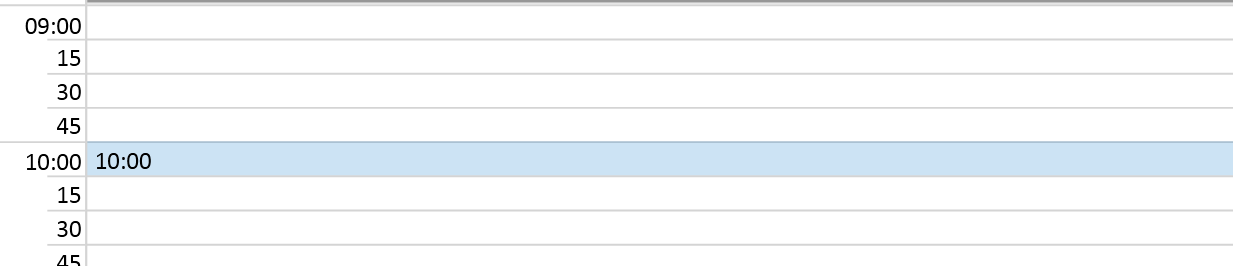
Like in the other scheduler components it would be very nice to highlight the hoverd timeslot and show the start time of the slot when hovering