


For example:
<table>
    <tr>
         <td style="width:100px;background-color:#FF0000;">Test</td>
   </tr>
</table><table class="k-table"><tbody><tr><td><p>Test</p></td></tr></tbody></table>Losing the style attributes and adding classes and paragraph tags breaking our current formatting requirements.
Ideally we would just modify our html data to fit the new formatting but with years of data that's just not feasible.
Previously if content in HTML view of Editor exceeded height a scroll bar would appear like below (v2.29).
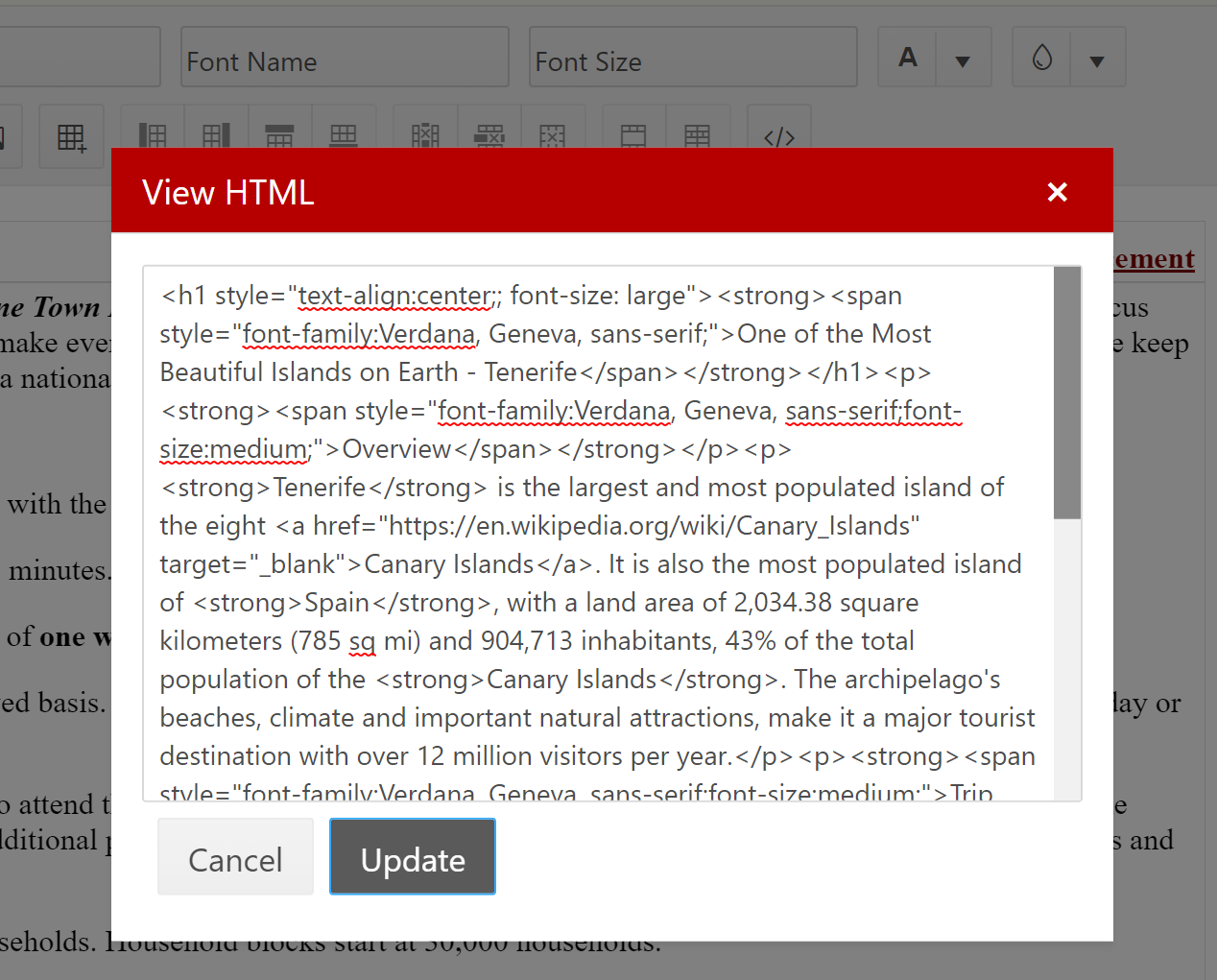
Now there is no scroll bar and you have to press the down arrow to get further in the content (v.3.0.1) .
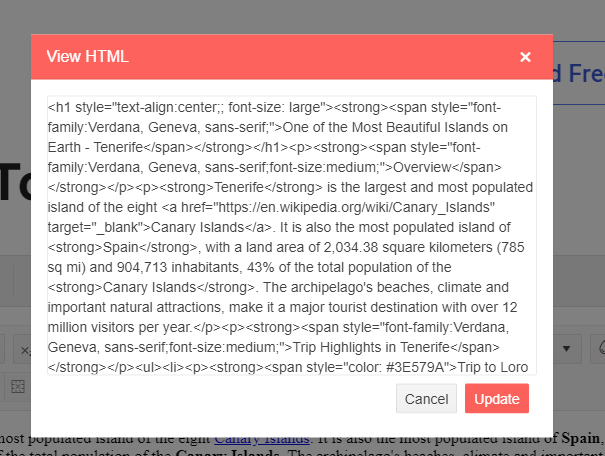
to fix this locally I added CSS overflow: auto to .k-textarea
Hi,
We are using the Blazor Editor for a feature in one of our web apps, and created a custom tool for the editor that allows the user to modify the raw HTML.
If an IFrame is added to the HTML with an empty or missing "src" attribute like so:
<iframe src=""></iframe>

OR

<iframe></iframe>
The editor will throw a JS Interop exception:
No value supplied for attribute src
      OP@https://[redacted]/_content/Telerik.UI.for.Blazor/js/telerik-blazor.js:6:830821
      PP.prototype.computeAttrs
Would you guys consider this a bug with the editor? Since they are technically valid elements, mganss' HtmlSanitizer does not remove sourceless IFrames and unfortunately there does not seem to be a way to make it do so.
Thanks in advance for the assistance!
We have a survey page that has multiple editor fields in it. They need to accept rich text from a paste or other keyboard commands, but we do not want to waste the vertical space for the toolbar appearing in each editor field.
Please update the editor to hide the toolbar if the List<IEditorTool> collection is empty.
This change would make it much easier and less fragile than removing the toolbar to through Css.
It would be nice to have an ability to group CustomTool / icons much like we can do EditorButtonGroup(s) - e.g.
new CustomToolGroup (new CustomTool("Save"), new CustomTool("Import"), new CustomTool("Export"))
Description
Entering/Removing spaces in between words does not trigger the ValueChanged event.
Steps To Reproduce
Run this example: https://blazorrepl.telerik.com/wzELPuOs30WSuvzv33
- Click between the "Lorem" and "ipsum" words.
- Press the Spacebar key a few times
- Press the Backspace key a few times
Actual Behavior
The ValueChanged event does not fire when you enter/remove spaces in between words. It fires correctly if you break a word with a space of if you remove all the spaces in between 2 words.
Expected Behavior
ValueChanged should fire on every entered/removed space.
Browser
All
Last working version of Telerik UI for Blazor (if regression)
No response
Description
Regression introduced in v9.0.0.
Initial binding to a property works, but when either the RemoveAttributes or the StripTags parameter is set, on changing the Editor value, two-way binding does not work and the new Editor value is not reflected in the property value.
Potentially related to #3887
Steps To Reproduce
- Run the following example:
<p role="status">Current Editor value: @CurrentEditorText</p>

<TelerikEditor @bind-Value="@CurrentEditorText">
    <EditorSettings>
        <EditorPasteSettings ConvertMsLists="@true"
                             RemoveAllAttributes="@true"
                             RemoveAttributes="@(new List<string> { "lang" })"
                             RemoveHtmlComments="@true"
                             RemoveMsClasses="@true"
                             RemoveMsStyles="@true"
                             StripTags="@( new List<string> { "h1" })">
        </EditorPasteSettings>
    </EditorSettings>
</TelerikEditor>


@code {
    private string CurrentEditorText { get; set; } = @"<strong>initial</strong><span>value</span>";

    public List<string> RemoveAttributes { get; set; } = new List<string>() { "data-id" };

    public List<string> StripTags { get; set; } = new List<string>() { "font" };
}
- Type in the Editor's content area
Actual Behavior
The CurrentEditorText property value is not updated.
Expected Behavior
The CurrentEditorText property value is updated.
Browser
All
Last working version of Telerik UI for Blazor (if regression)
8.1.1

Even if setting ReadOnly="true", tables in the Editor can be resized...
This only happens in Iframe mode!
<TelerikEditor Height="300px" @bind-Value="@Value" EditMode="Telerik.Blazor.EditorEditMode.Iframe" ReadOnly="true">
</TelerikEditor>

@code {
    public string Value { get; set; } =
            @"
<table>
    <tbody>
        <tr>
            <td>
               Some text
            </td>
        </tr>
        <tr style=""height: 24px"">
        </tr>
        <tr>
            <td>
                Some text
            </td>
        </tr>
    </tbody>
</table>
    ";
}
Bug report
Reproduction of the problem
(bug report only)
- Run this example: https://blazorrepl.telerik.com/mUOqQflm56D4xScx54
- Select a font in the FontFamily dropdown.
- Click the UnorderedList tool in the Editor’s toolbar.
- A bullet is added and the FontFamily tool loses its value.
- Click right after the added bullet.
- Once again select a font in the FontFamily drodown.
- Click the UnorderedList tool in the Editor’s toolbar to remove the bullet.
- The FontFamily tool loses its value.
Current behavior
(optional)
Provide additional information if the steps for reproducing the faulty behavior are not sufficient to describe the issue.
Expected/desired behavior
The FontFamily tool should keep its value when an unordered list is added/removed.
Environment
- Kendo/Telerik version: 14.0.0
- Browser: [all]