

If we format kendo-datepicker to (MMMM/dd/yyyy) and if we enter number of month in input then it is not reflecting and shows month in input field.
As you can see in screenshot, I called (valueChange) event to see the changed value, I have enter 10 in month input field so it shows two value in console, first one is when 1 is press and second is when 0 is pressed after 1 so it gives null and in input field it shows month instead of October.
It is working if we enter first letter of month but it should work if we enter month in number.
Please fix this issue asap.
Thanks.
It might be a formatting issue on my end
Hello,
In case when datepicker used inside treelist with kendoTreeListEditTemplate, it is logging the PreventableEvent of datepicker inside the ExpandEvent of treelist.
Thanks
You can reproduce the bug even in your documentation: Overview - DatePicker - Kendo UI for Angular (telerik.com)
- Select the Bootstrap Theme
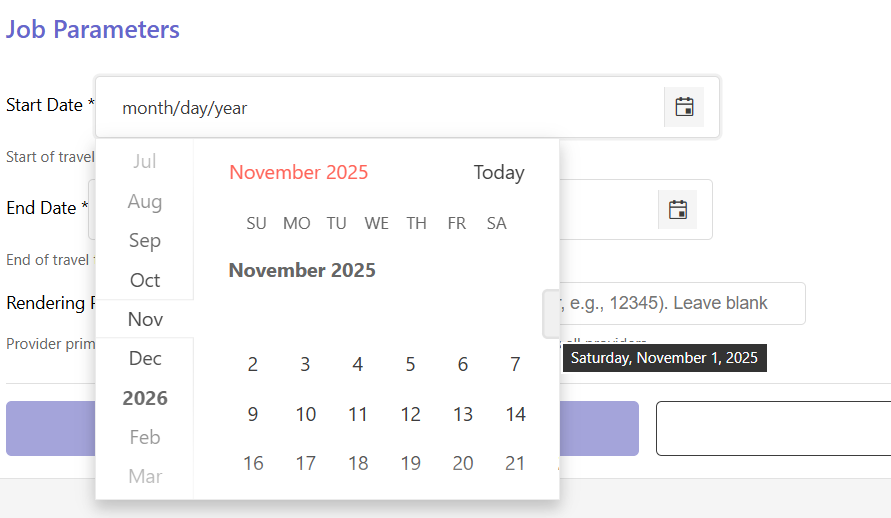
- Try to select for example the 14th March 2000 the calendar goes to December 2000 (and doesn't select the date).
- If you click slightly outside of the number, the selection works.
The problem seems to be the infinite navigation that's overlaying with that dates' columns.
Hello
Currently the datePicker and probably other controls that implement the rangeValidation property do not listen to changes on the rangeValidation input.
This is preventing whether range validation is enabled based on other form input changes during user interaction with the form.
Can this be changed so it listens on ngChanges?